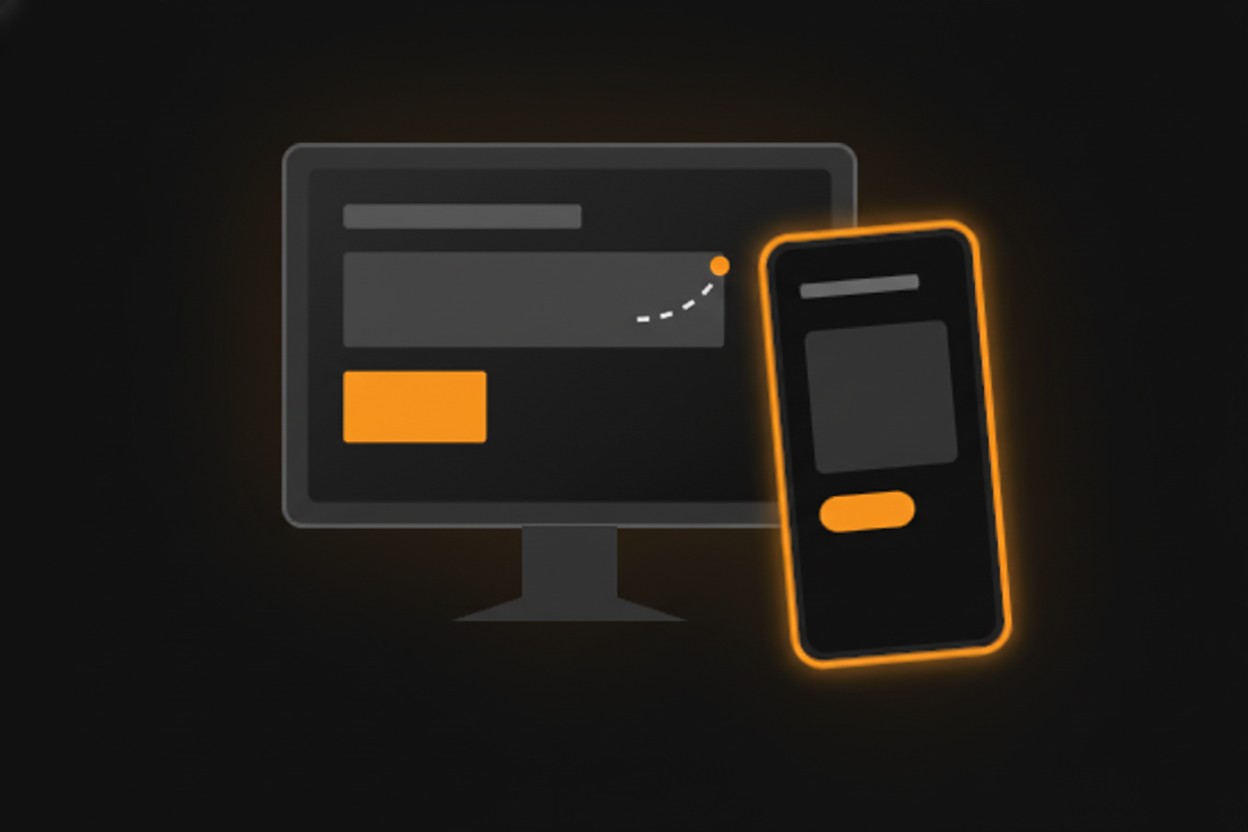
Mobile View Switcher
The lightweight Chrome Extension for developers and privacy enthusiasts. Simulate devices, switch User-Agents, and browse without boundaries.
Why I built this tool
Mobile View Switcher is a professional-grade Chrome extension that empowers you to spoof your browser's
User-Agent string with a single click.
It enables you to masquerade as an iPhone, iPad, or Android device, forcing websites to serve their
mobile versions. Built on the modern declarativeNetRequest API, it operates without
injecting heavy scripts, ensuring your browsing remains fast, private, and secure. It's the essential
utility for developers, testers, and power users who need to break out of the desktop view.
✨ Key Features
| Use case | What Mobile View Switcher changes | Best for |
|---|---|---|
| Mobile simulation | Switches the browser user-agent to phone and tablet profiles. | Checking mobile versions of websites. |
| Responsive testing | Helps trigger server-side mobile behavior from desktop Chrome. | Developers, QA testers, and designers. |
| Domain rules | Lets selected sites use a different browser identity while other tabs stay normal. | Repeat testing and daily browsing. |
Instant Mobile Simulation
Switch your User-Agent to iPhone 15, Pixel 8, or iPad Pro profiles instantly. Includes presets for all popular iOS and Android devices.
Domain-Level Control
Set specific rules for specific sites. Make instagram.com load
as a mobile app while keeping github.com in desktop mode.
Privacy First
Built with the new declarativeNetRequest API. We modify headers
without ever reading your page content or browsing history.
Zero Performance Lag
Unlike older extensions that inject heavy scripts, Mobile View Switcher is native and lightweight. It won't slow down your browsing.
🚀 Perfect For...
Debug responsive layouts, test touch-event handling, and verify server-side device detection logic without switching devices.
Bypass restrictions on sites (like Instagram or TikTok) that limit features on desktop. Upload photos and browse stories right from your PC.
On a slow connection? Force news sites and blogs to serve their lighter, faster mobile versions.
Mobile View Switcher FAQ
What does it do?
It switches Chrome user-agent profiles so websites can load mobile, tablet, or desktop versions.
Who should use it?
It is built for developers, QA testers, designers, and power users checking responsive behavior.
Is it lightweight?
The page describes the extension as using declarativeNetRequest to change headers without heavy content scripts.